The break is not scheduled
Toilets, hunger and restlessness do not wait for the planned battery percentage.
EV travel with children
Coffee? Food? A playground? When the break cannot be planned, instantly see which reachable charging stops are next and what your family will find there.
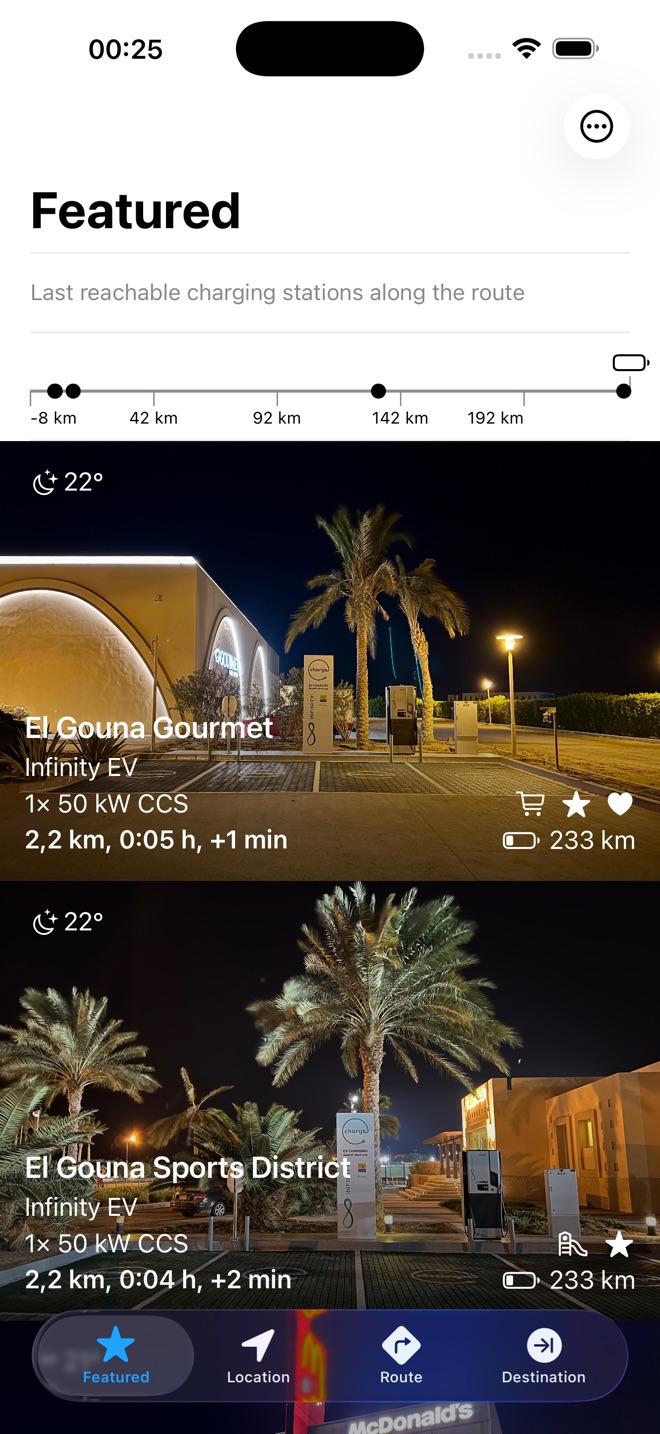
 Along your routeOnly relevant stops
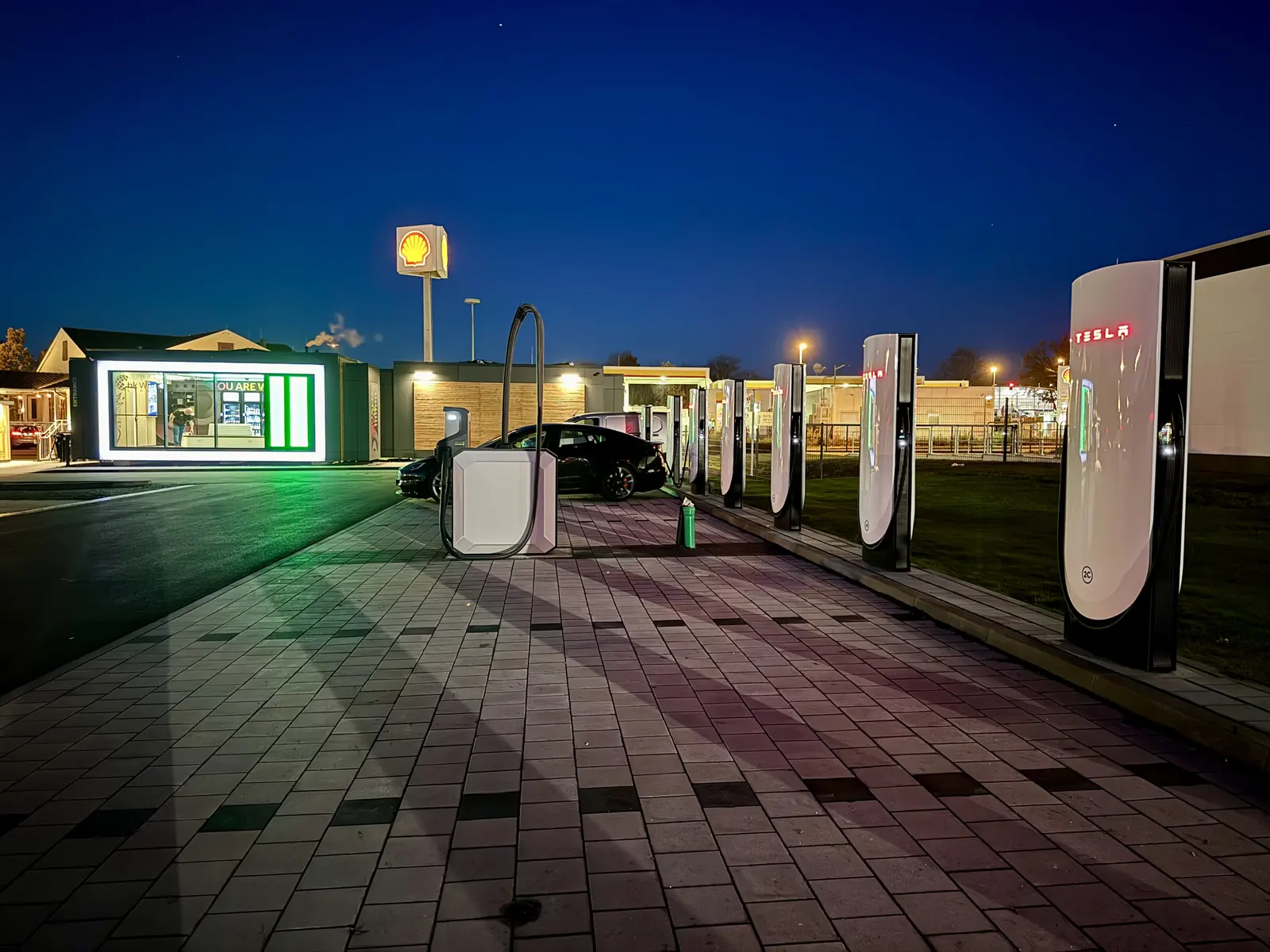
From a real family trip
The battery might manage another eighty kilometres. A child might not. Family breaks happen when someone needs a toilet, food or space to move, so the right charging stop must work for people, not only for kilowatts.
Background: Travelling with children in a Tesla Model YToilets, hunger and restlessness do not wait for the planned battery percentage.
Food, shops, a playground and real photos decide whether a stop works for everyone.
While everyone eats, moves or takes care of a child, the car gains range for the next leg.
See reachable stations in the order you will meet them along the route.
Photos, practical notes and nearby facilities help before the whole family leaves the motorway.
Find food, shops, playgrounds or surroundings that make the stop more than waiting.
The difference
Not a hundred unrelated pins. The right stops, in the order you will reach them.
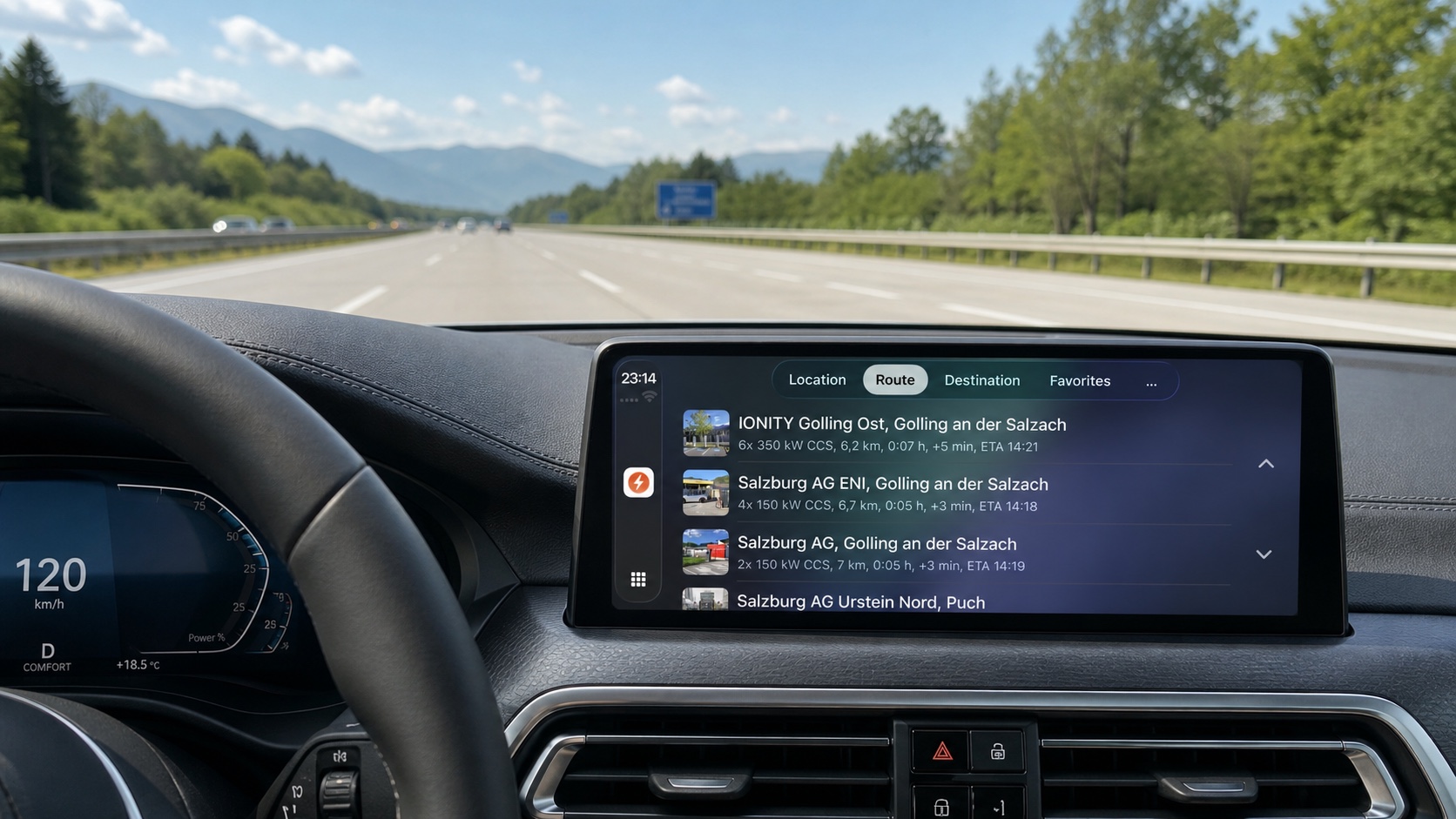
Apple CarPlay without a subscription
See useful stations along your route, open favorites, and find restaurants, cafés or playgrounds directly on the CarPlay display. No additional Charge My Way subscription is required for these features.
01 · When it suddenly becomes urgent
Reachable stations appear in route order, so you compare useful breaks instead of a map full of pins.
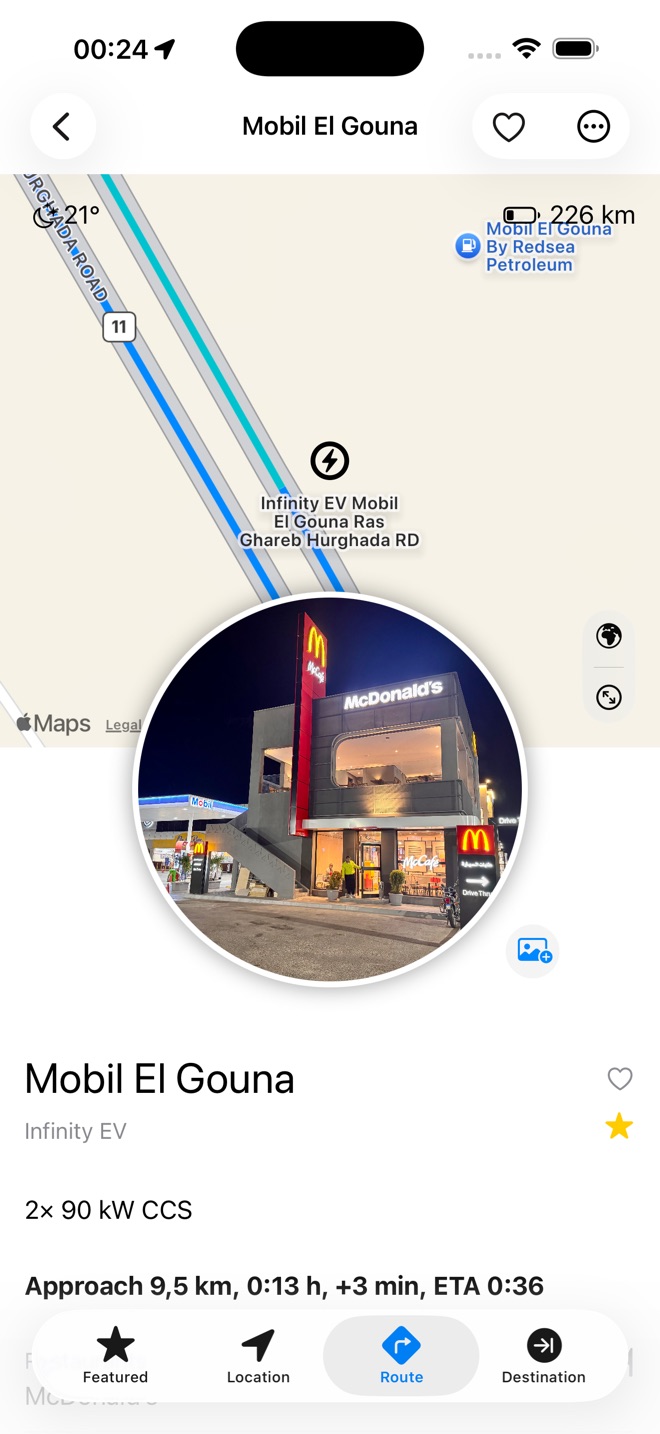
02 · Know before you arrive
Real photos, restaurants, shops and surroundings show whether the stop actually fits.
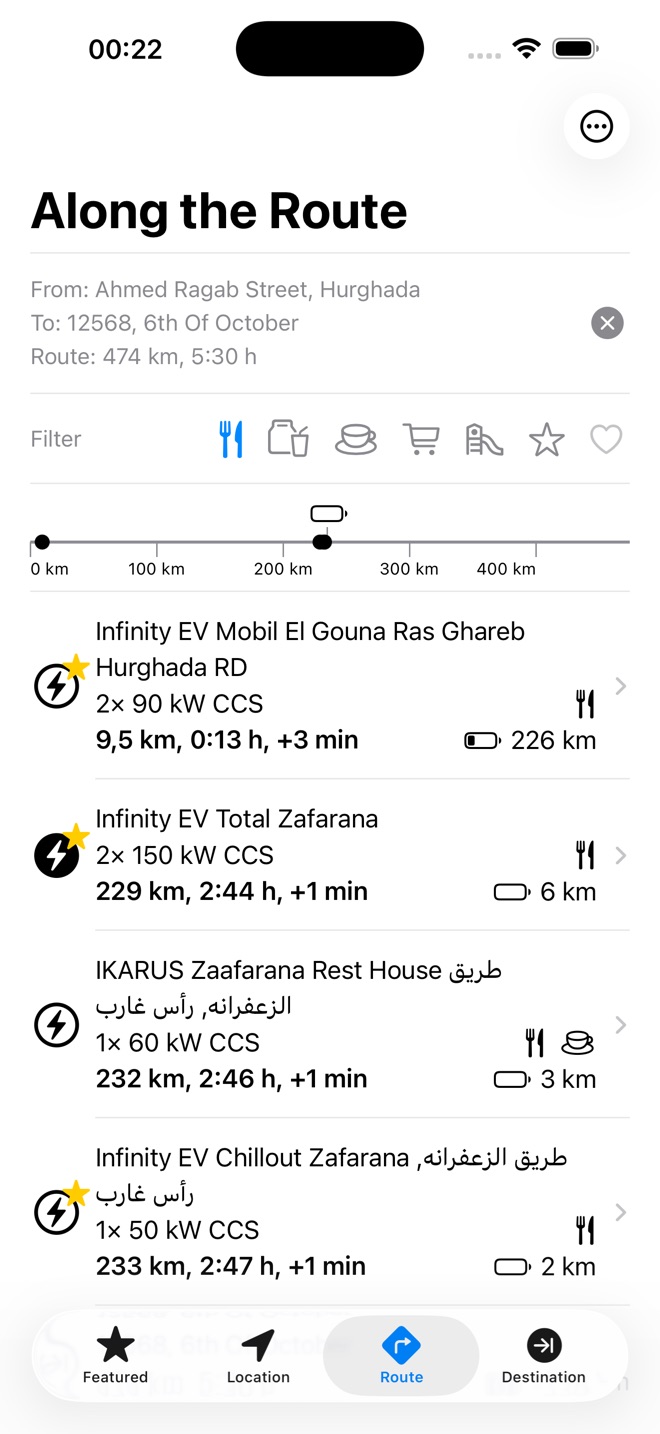
03 · Decide from the dashboard
Open stations along the route, favorites and break categories on the car display without an additional Charge My Way subscription.
When someone in the back says “Now!”
Compare distance, detour and facilities at the next reachable stations, then choose what the family needs at that moment.
Start with your journey
Experience it first
Your first three suitable charging stations are available without a subscription. Unlock every option on longer trips whenever you need it.
Calculate a route, open details and photos, and find the first charging stops.
See every charging station on every trip. Monthly or yearly.
Built from real road-trip experience
Charge My Way began with a simple question: why do charging apps optimize the technology, but not the time people spend at the stop?
Charge My Way shows reachable stations along the route with photos and information about restaurants, cafés, shops, playgrounds and surroundings.
Yes. Stations are ordered along your current route. If the family needs a break sooner, choose one of the next reachable options.
Yes. Distance, driving time and added time help you decide whether the stop works for the family.
Yes. Favorites are easy to find again and can also be opened in CarPlay.
No. Search, station details, photos, favorites and CarPlay work with any electric car.
Charging is not the problem. Find the stop that fits you.